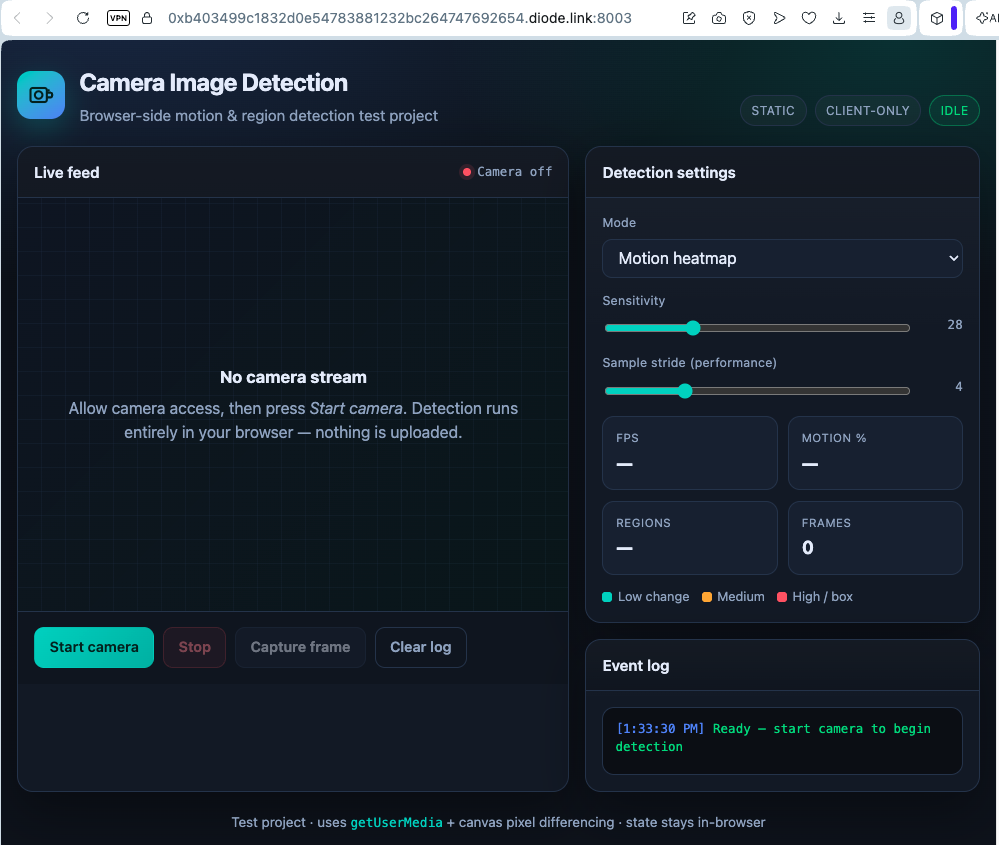
Enable Development Mode and deploy
Agent Instructions
Open Agent Instructions (header link) or the project Coding area. The Agent URL is the source of truth for your coding tool — paste it so the agent loads full project instructions, capabilities, and deploy steps.
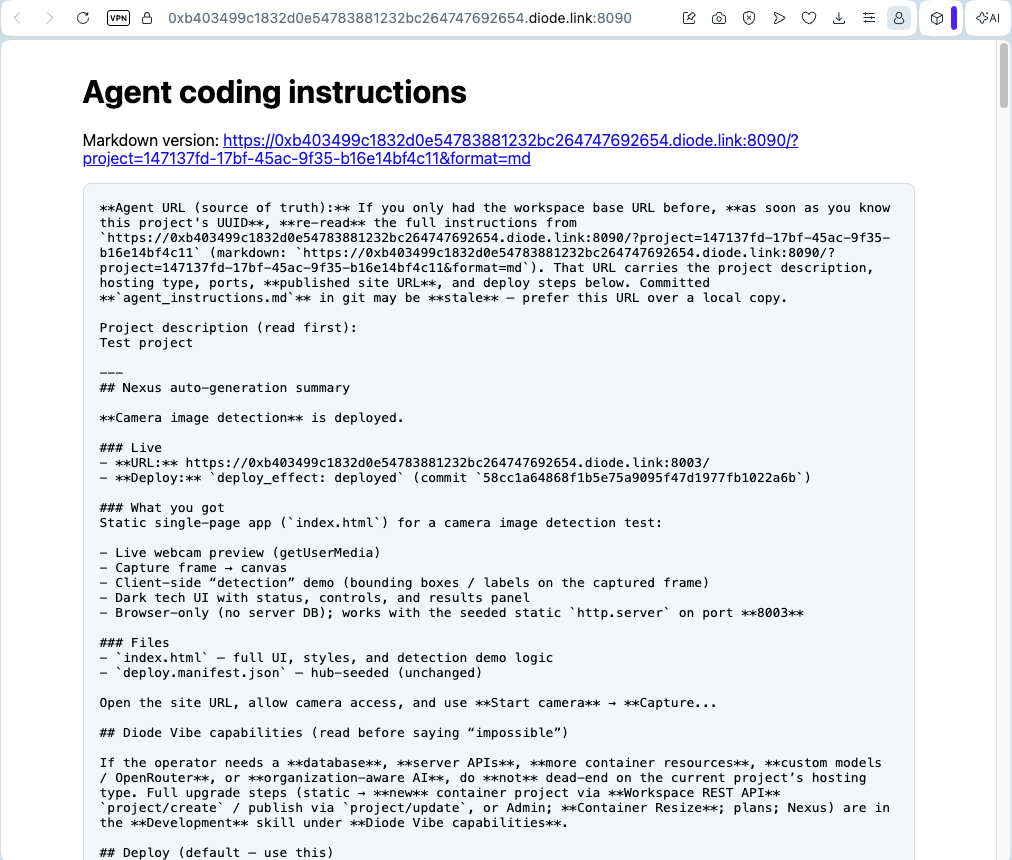
Development Mode
When Development Mode / publisher is enabled for the project, agents can:
- Use project-scoped Agent Instructions
- Deploy over HTTPS
- Poll deploy feedback logs
Deploy from your agent
The preferred path when the publisher is on:
- The agent packages the site or app.
- It
POSTs a deploy to Vibe (withdeploy.jsonmetadata). - It polls the deploy log until success or failure.
Open the live site
- Public projects open in a normal browser at the Diode HTTPS URL.
- Protected / private projects may require a Diode-protected interface (for example Diode Collab bookmarks) — see Project URLs and access.