Create an account and workspace
Sign in
Open your Vibe Admin URL (for example vibe.diode.io) and sign in with Web3Auth.
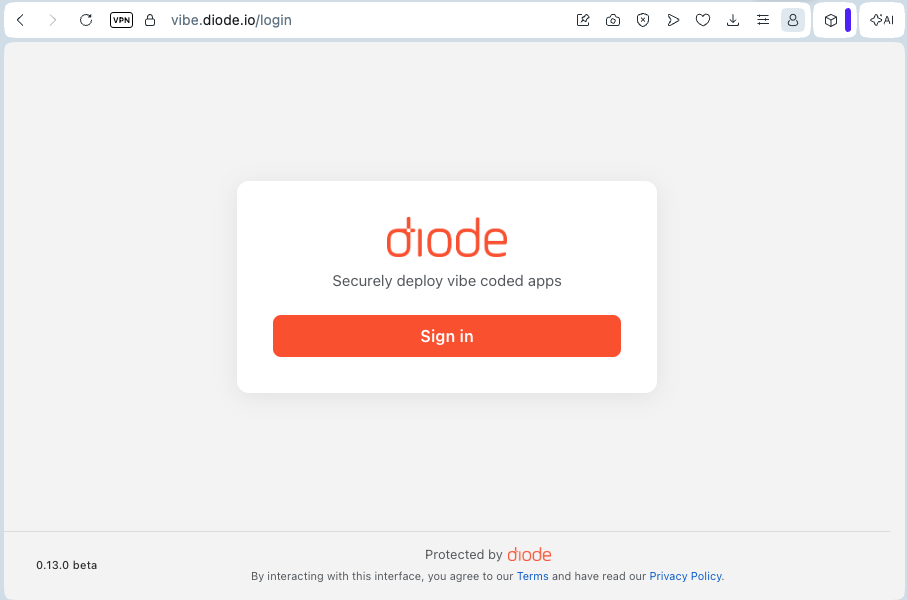
After authentication you land in your last-used workspace, or you are prompted to create one.
Create a workspace
A workspace holds your projects, settings, and team. Choose a name and your preferred coding tool (this only changes how Agent Instructions are shown for you).
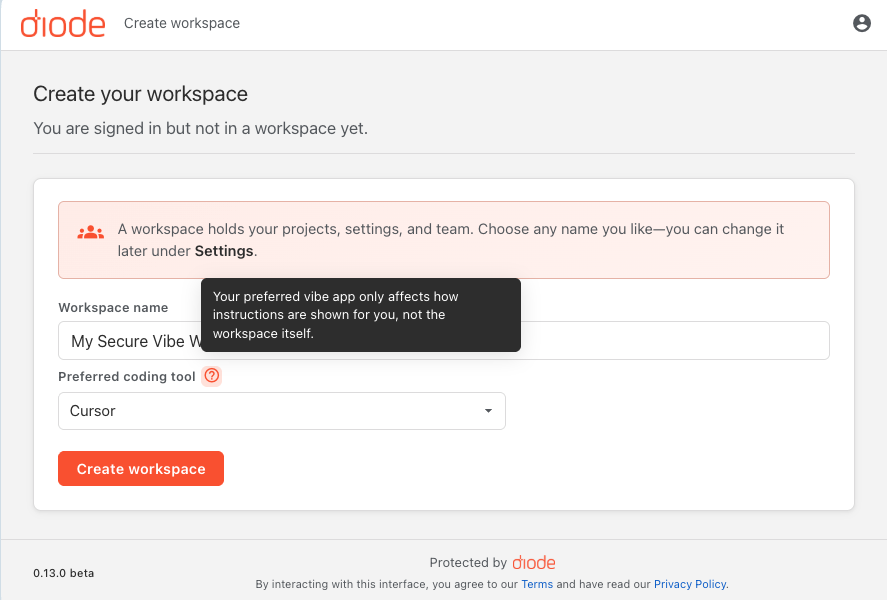
- Enter a workspace name (you can rename it later under Settings).
- Pick your preferred coding tool (for example Cursor).
- Click Create workspace — you become the workspace Owner.
Join an existing workspace
If you received an invite email or Enterprise partner invite, open the invite link, sign in, and accept. Your role (Owner, Admin, or Member) is set by the inviter.