Create your first project
From the workspace home, click Create Project.
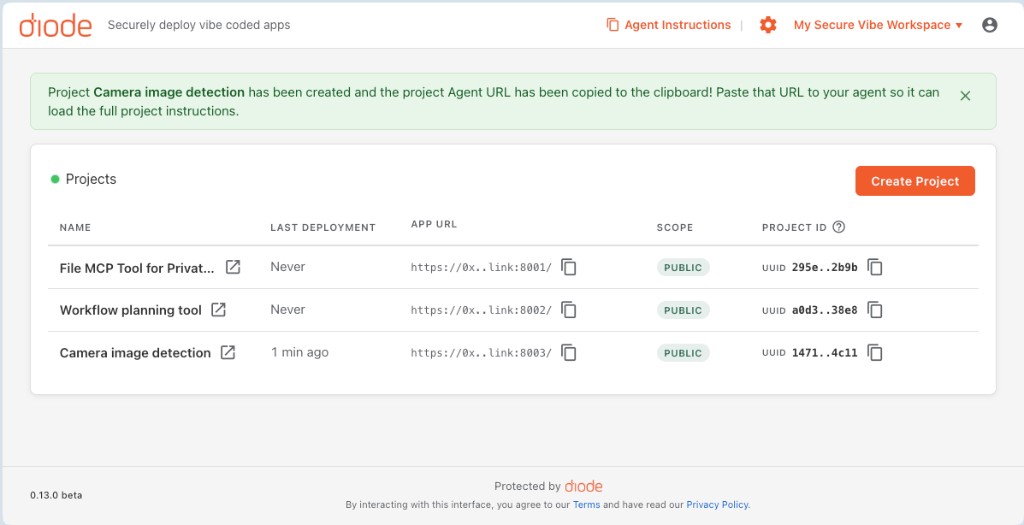
New project form
Name the project, choose Static website or Container, and optionally enable Auto-generate the initial content (BETA) so Nexus can scaffold and deploy for you.
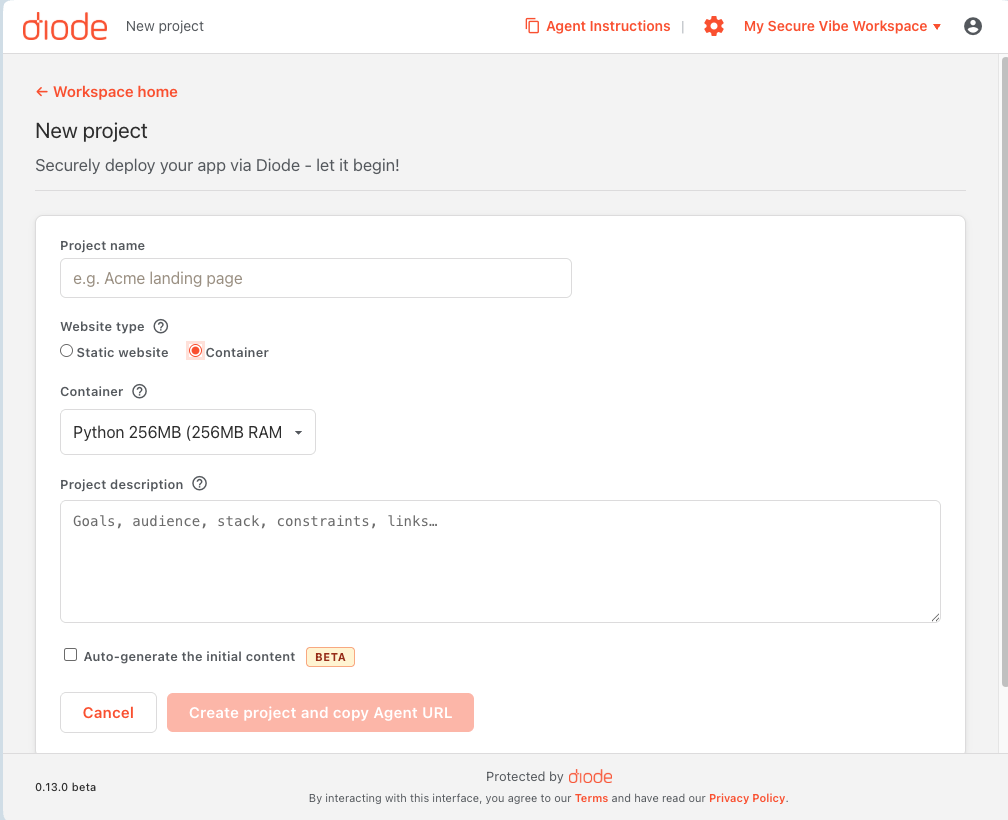
Static website
Best for HTML/CSS/JS sites and simple front ends. Published via Diode file mounting — fastest path from agent to live URL.
Container app
Best when you need a backend (login, database, APIs, SSR). Choose Python or Node hosting and a size (for example Python 256MB). Container projects run on a Docker host (Diode-hosted or your own registered host).
Optional: generate with Nexus
With auto-generate enabled, Vibe opens a Creating project progress view: initialize Nexus, ACP session, generate files, deploy — with live token/cost usage.
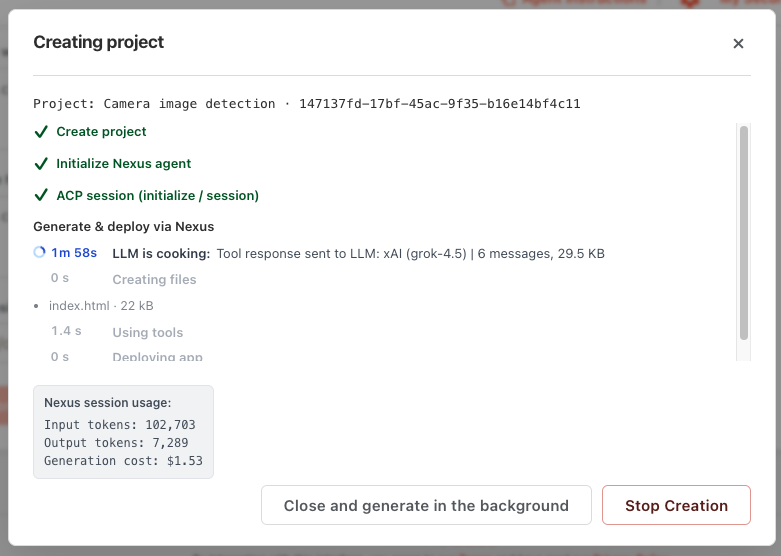
After create, the project Agent URL is often copied to your clipboard automatically. Continue with Enable Development Mode and deploy.